Built-in Intelligence

AI help you can review. Work your team controls.

Turn customer requests, proof comments, files, and job notes into suggestions you can check. Jev supports focused review inside your workflow; Rex helps you find answers and prepare actions. Your team chooses what to save, price, send, or approve.

7-day trial · No card required · No automatic charge

Wraptor / Built-in Intelligence Product view
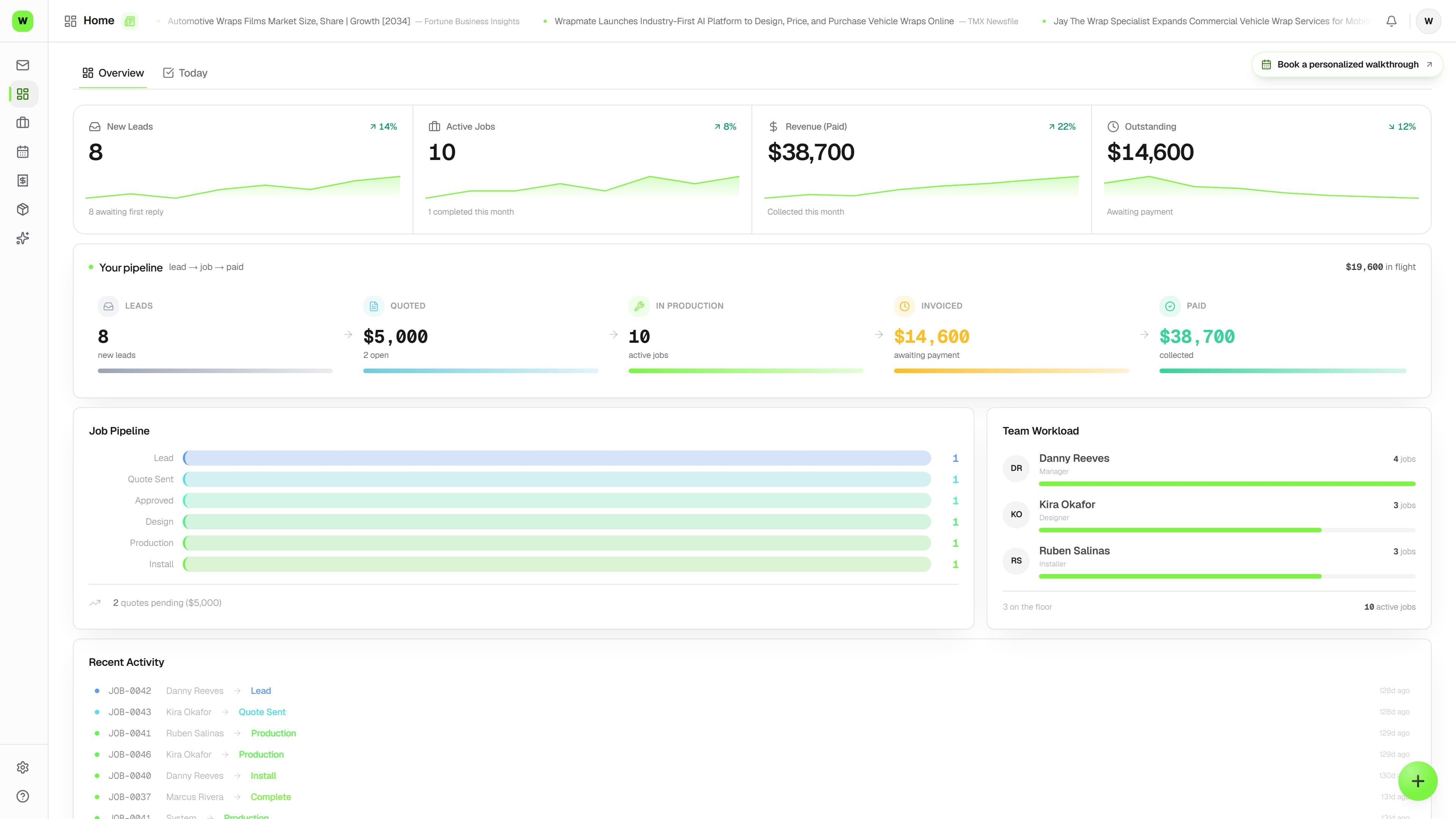
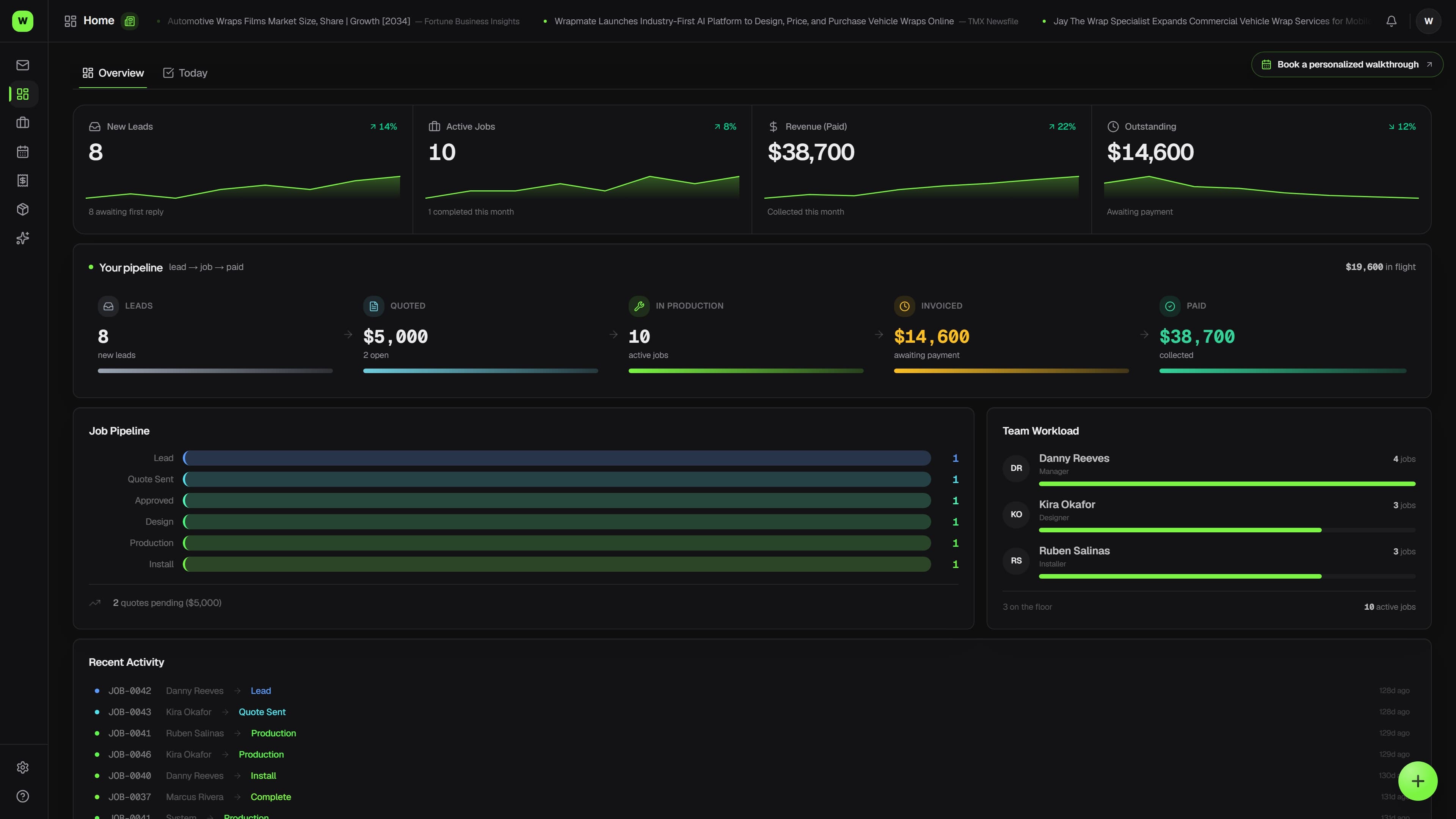
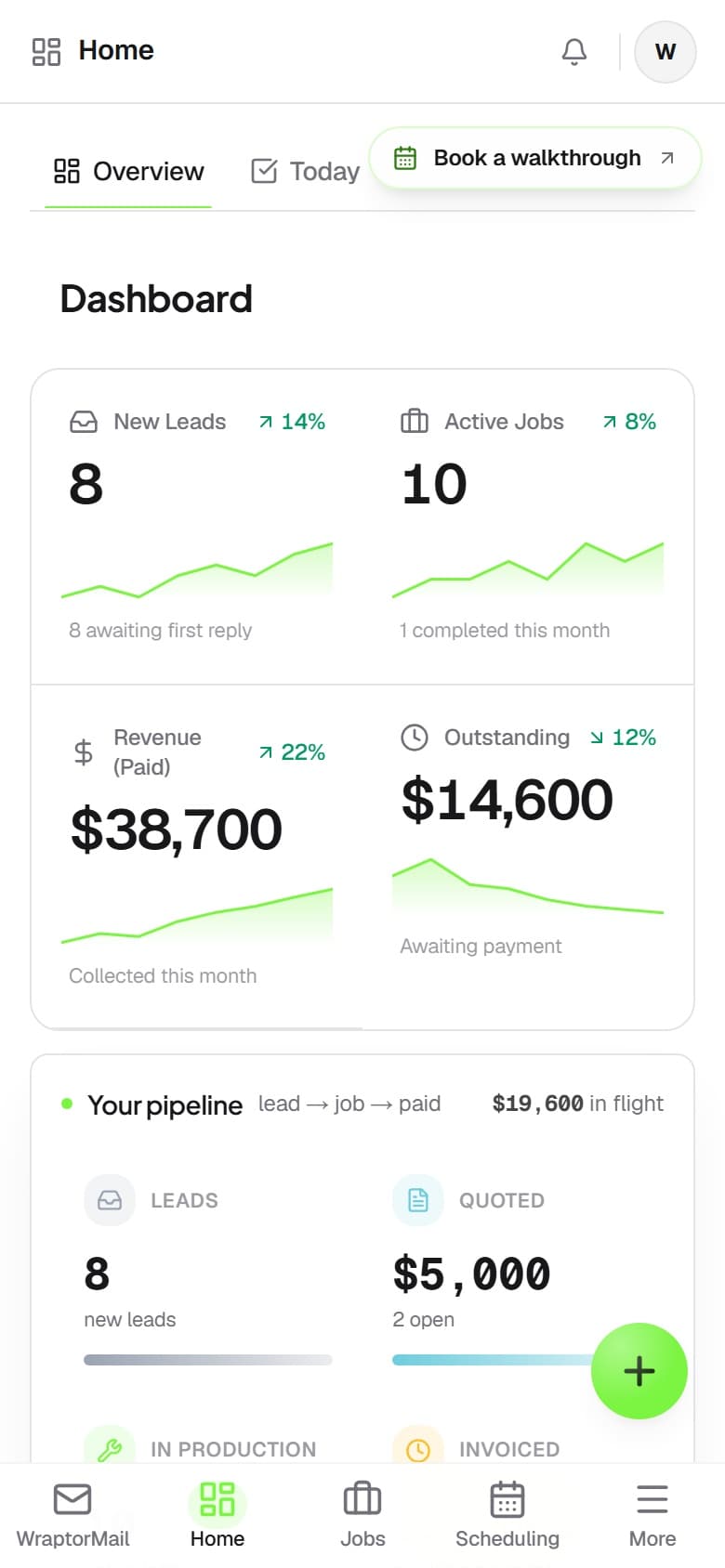
Wraptor shop overview with jobs, pipeline information, and work needing attention

A look inside your next workday.

A better way to work

The old way vs. the Wraptor way

The next step is often buried in a message, a marked-up proof, or a scanned packet. Bring the source and the proposed action together so the right person can review them.

Without Wraptor

  • Retyping customer requests into jobs and quotes
  • Proof changes lost between comments and the checklist
  • Handoffs without a clear next action
  • Scanned paperwork mixed across several jobs
  • Searching for work when you only remember the details

With Wraptor

  • Review service and customer details before creating work
  • Compare a request with the draft quote before pricing it
  • Choose proof tasks and handoff clarifications to save
  • Read supported scans and file documents to jobs you choose
  • Describe work to search, or use supported voice and typed commands

See it in action

Every view. One familiar workspace.

Take a closer look at the screens your crew will use, with views for the way you like to work.

Wraptor shop overview with jobs, pipeline information, and work needing attention (light mode)

How it works

A clear path from setup to done.

01

Bring in the source

Capture a request, open a quote review, choose proof feedback, or extract a supported document. The original details remain available to check.

02

Review the suggestion

Check the source, select the customer or job, and edit the suggested work. Unknown or unclear details stay available for manual review.

03

Confirm the next step

Save selected work through the usual workflow. You enter prices, confirm notes and filings, and decide when to send a message or approve a proof.

Capabilities

The details that make the difference.

  • Request and quote review

    Review the requested service and customer, continue into a draft quote, and compare the request with the work already quoted. Choose additions and enter prices and tax categories yourself.

  • Proof feedback into tasks

    Review grouped proof feedback, select the changes to add to the job checklist, and keep the original comments. Completing a task does not approve artwork or resolve the customer’s feedback.

  • Clearer handoffs

    Review note-based suggestions for the next action or blocker. Edit or dismiss them without silently changing the job’s owners, dates, or confirmation status.

  • Describe the work you need

    Use Describe work in search to find accessible jobs from their recorded details. Results include source excerpts; exact-record lookup and ordinary search remain available.

  • Scans and page filing

    Review text from PDFs, text files, and supported images. Read English printed scans, choose the job and category, or assign pages separately. Keep the original and correct filings later.

  • Material matching with a check

    Compare a supplier material with your inventory and confirm the exact variant. A saved match is an association; it does not change stock quantities, roll dimensions, or prices.

  • Import-column suggestions

    Review suggested column mappings when importing customers, vehicles, or jobs. Confirm the fields and preview the import before saving records.

  • Email triage

    Supported incoming email can be classified to help identify job requests and supplier messages. Review extracted details and use the normal reply and inventory workflows.

  • Focus on the next task

    Choose Follow up on quotes or Prepare installs to bring relevant recorded work into view, limited to locations and records you can access.

  • Voice or typed commands

    Open a job, find a customer, show a schedule, or prepare a job note with supported commands. Choose the matching record and review notes before saving. Voice input depends on browser microphone support; typing remains available.

  • Rex with source context

    Ask the in-app assistant for help using Wraptor or for recorded details about a named job. Source context and existing permissions guide the answer; confirmed actions remain under your control.

FAQ

Common questions.

What is Jev in Wraptor?

Jev supports focused suggestions inside request review, quote review, proof tasks, handoffs, search, material matching, imports, and email triage. Rex is the assistant you chat with. Suggestions help you review the work; they do not authorize changes for you.

Will AI set my prices or send work automatically?

These review tools do not set quote prices, send customer messages, approve artwork, or adjust inventory on their own. You review the source and confirm the appropriate action. Existing automations you have configured keep their own settings.

Can I speak a command?

On supported browsers, use the microphone or type a command such as “open job JOB-104”, “find customer Acme”, or “show schedule tomorrow”. Notes are reviewed before saving. Unsupported requests can be completed through the usual screens.

Can it read scans and automatically file them?

It can extract English printed text from supported scanned PDFs and PNG/JPEG images. Review the text and choose the job or page assignments yourself. Automatic document matching and filing are not offered.

Which plans include these tools?

Access follows your plan, role, and location permissions for the underlying workspace. Trial and paid usage allowances apply. Unclear suggestions can be completed manually.

Make room for better work

Try the help on one real job

Start a seven-day trial without a card. Review a request, prepare a quote, and find the next step with Wraptor Shop features and trial allowances. No automatic charge.

Free demo · Optional 7-day trial requires no card