Fleet Management

Manage entire fleets, not just single vehicles

Run a fleet account as one parent job with a child job per vehicle. See wrap status across the whole account, track each unit on its own timeline, and give the customer one link that shows every truck.

7-day trial · No card required · No automatic charge

Wraptor / Fleet Management Product view
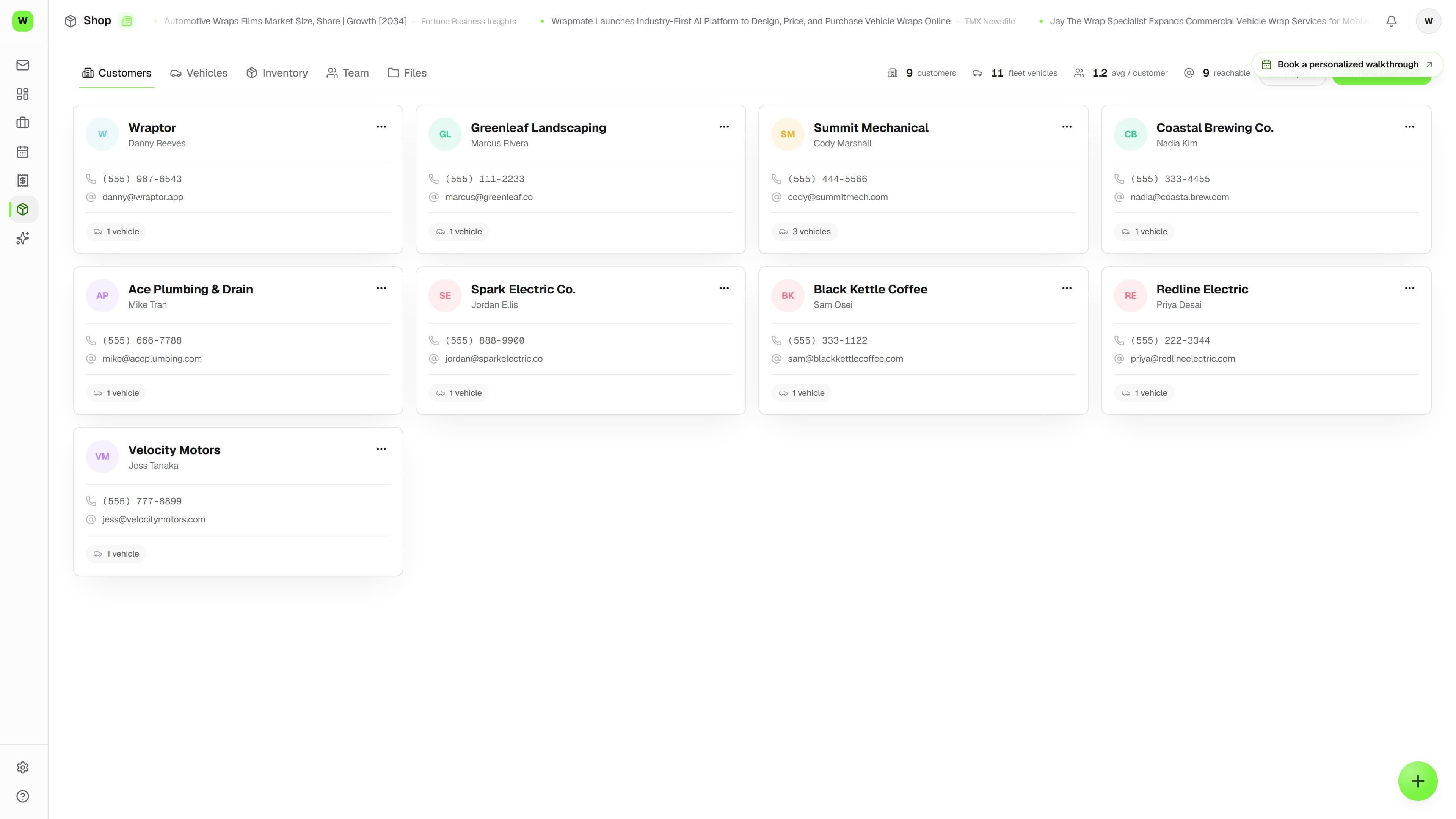
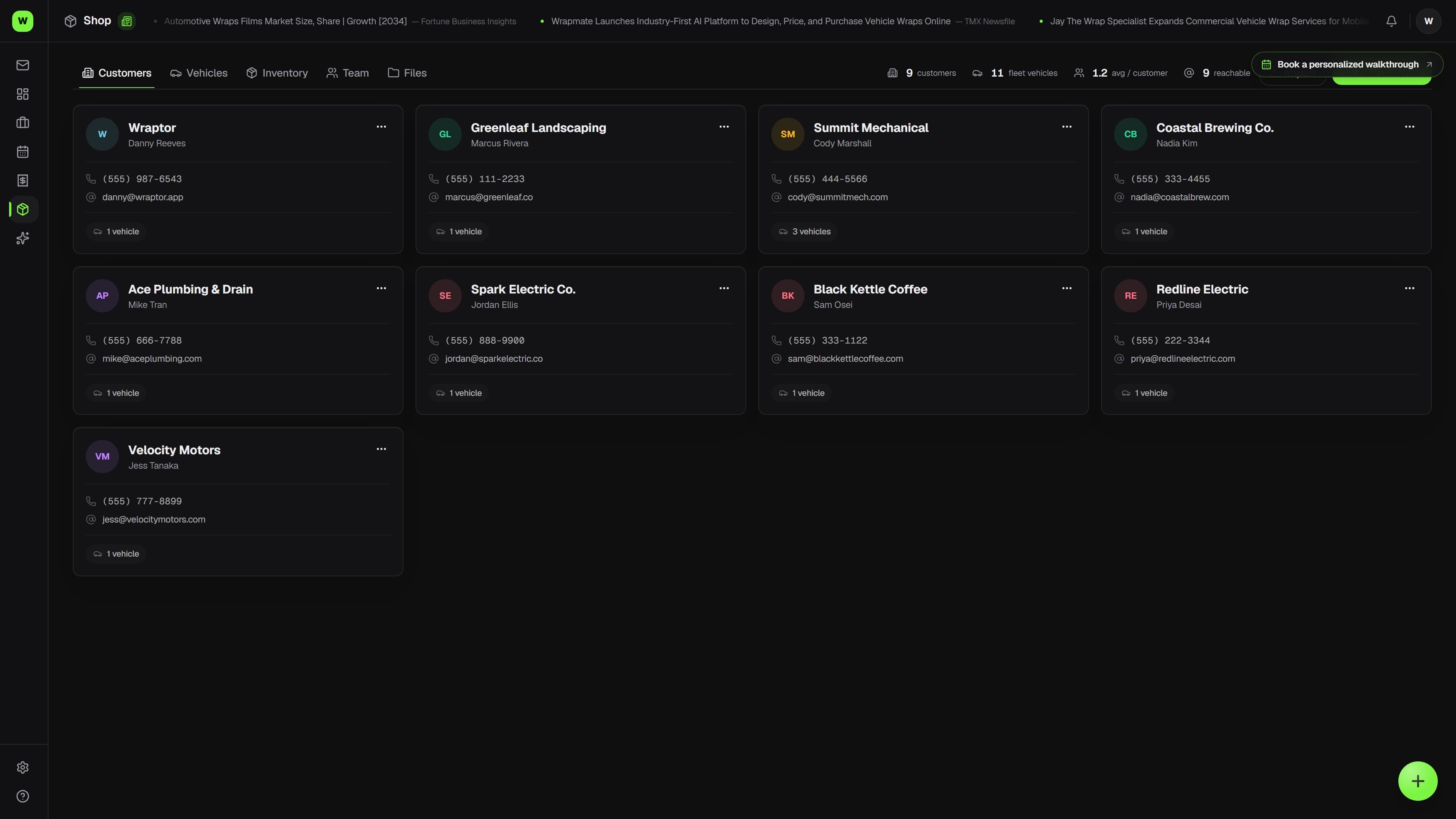
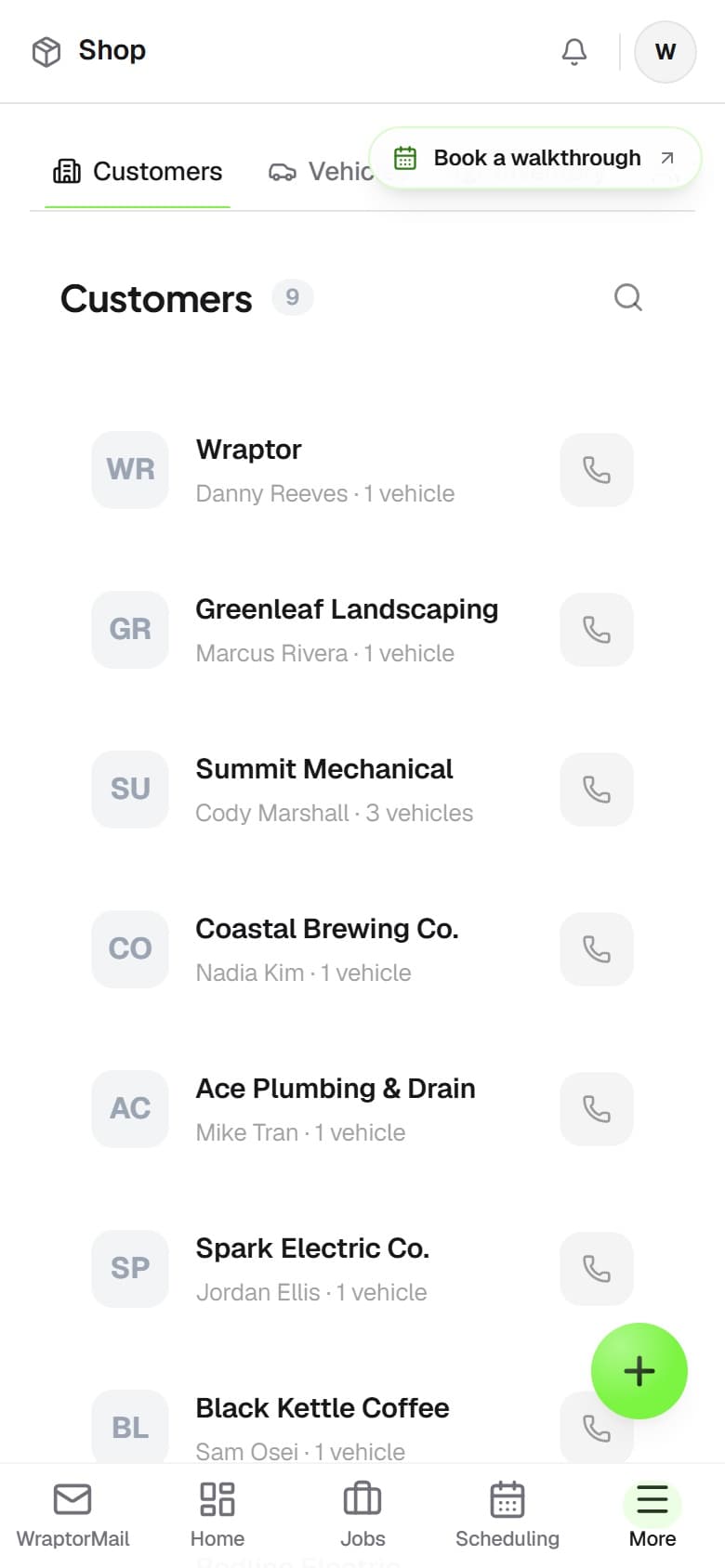
Wraptor fleet dashboard showing vehicle list with wrap status, completion percentage, and scheduled installs

A look inside your next workday.

A better way to work

Stop managing fleets in spreadsheets

Fleet accounts are too valuable to track with sticky notes and spreadsheets. Give them the professional experience they expect.

Without Wraptor

  • Tracking 50 vehicles across scattered spreadsheets
  • No way to see overall fleet completion at a glance
  • Customer calls asking which trucks are done
  • No vehicle history or measurement records

With Wraptor

  • One parent job per account, one child job per vehicle
  • Fleet progress at a glance — done, in progress, scheduled
  • Customers track their own fleet from a single link
  • Duplicate last cycle's approved quote for the next unit
  • Full vehicle database with measurements and wrap history

See it in action

Every view. One familiar workspace.

Take a closer look at the screens your crew will use, with views for the way you like to work.

Wraptor fleet dashboard showing vehicle list with wrap status, completion percentage, and scheduled installs (light mode)

How it works

A clear path from setup to done.

01

Add fleet customer

Create the customer and add their vehicles. Import from CSV or add manually.

02

Quote and approve

Price the work per vehicle, or put the vehicle count on a per-item line. Duplicate the approved quote for the next unit instead of retyping it.

03

Track progress

Open the parent job's Fleet tab and add a child job per vehicle. Each one moves through your workflow independently; the Fleet tab shows overall completion.

04

Bill and deliver

Invoice per vehicle or per job. The customer sees every vehicle on their fleet tracking page.

Capabilities

The details that make the difference.

  • Fleet Dashboard

    See every vehicle in a fleet at a glance from the parent job's Fleet tab — wrap status, completion, and what's scheduled next.

  • Child job per vehicle

    Add a child job for each vehicle from the parent job's Fleet tab. Same customer, same account, its own stages, schedule, and proof approval.

  • Per-Vehicle Tracking

    Each vehicle gets its own job, timeline, and proof approval. Customers track their entire fleet from one dashboard.

  • Duplicate the last quote

    Renewals and the next unit are a copy — duplicate an approved quote onto the new job, line items and options intact, then adjust and send.

  • Vehicle Database

    Year, make, model, VIN, color, sq ft measurements, and wrap history for every vehicle. Auto-matched from templates.

  • Fleet Progress Reports

    Show clients a visual overview of how many vehicles are wrapped, in progress, and remaining.

FAQ

Common questions.

Does Wraptor support fleet wrap management?

Yes. Create a fleet account for a company, add all their vehicles, and run the work as one parent job with a child job per vehicle. The parent job's Fleet tab shows completion across the account, and each child job has its own stages, schedule, and proof approval.

Can I quote a whole fleet at once?

Quote it per vehicle, or put the vehicle count on a per-item line for one price across the roster. When the next unit or the next cycle comes around, duplicate the approved quote onto the new job instead of retyping it — line items, options, and deposit split come across as a fresh draft.

Can I create jobs for an entire fleet?

From the parent job's Fleet tab, add a child job for each vehicle. Each vehicle then gets its own job record, proof approval flow, and tracking page so nothing gets mixed up.

Can fleet customers track progress on their vehicles?

Yes. Fleet customers get a shared tracking link where they can see the status of every vehicle in real time — which are done, which are in progress, and which are scheduled. This eliminates status calls and keeps large accounts informed without manual updates from your team.

Make room for better work

Land the fleet account. Manage it like a pro.

Test the complete fleet workflow — several active jobs at once, one account — on a 7-day free trial. No card required; no automatic charge. Your work stays saved when the trial ends; choose a paid plan to keep working.

Free demo · Optional 7-day trial requires no card