
Invoicing & billing

Get paid faster, chase less

Generate invoices from jobs in one click, collect deposits upfront, accept cards online, and sync everything to QuickBooks or Xero. No more handwritten invoices or Venmo screenshots.

7-day trial · No card required · No automatic charge

Wraptor / Invoicing & billing Product view
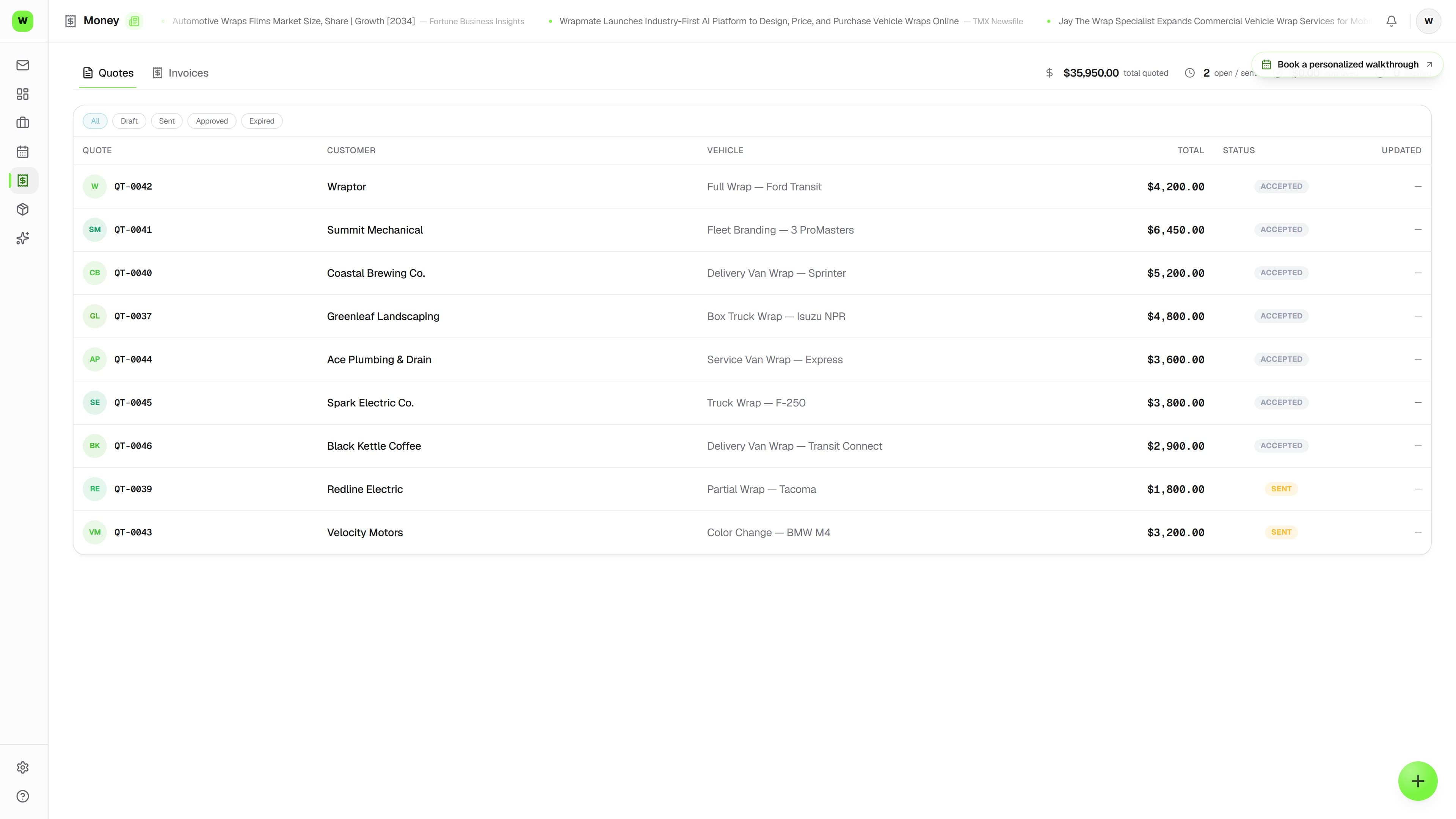
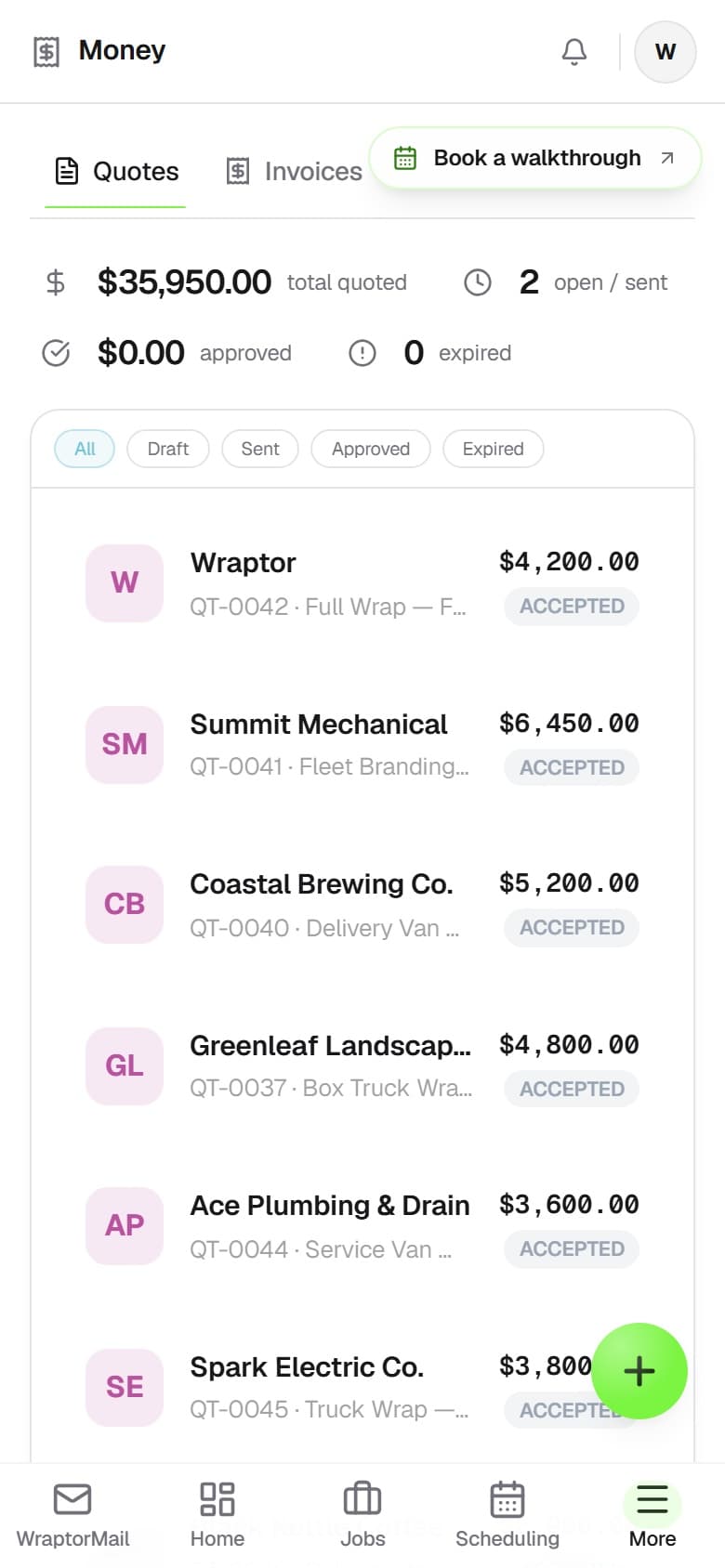
Wraptor invoicing screen showing a one-click invoice with payment link and balance summary

A look inside your next workday.

A better way to work

Stop sending invoices from your notes app

Handwritten invoices, Venmo requests, and spreadsheet tracking are costing you money and time.

Without Wraptor

  • Manually typing invoices in Word or Google Docs
  • Chasing payments via text and phone calls
  • No deposit collection system
  • Double-entering data into QuickBooks
  • No idea what's outstanding until tax time

With Wraptor

  • One-click invoices generated from job data
  • Online payments via Stripe with instant notifications
  • Deposit and balance on one invoice — editable until the first payment
  • Automatic sync to QuickBooks and Xero
  • Real-time revenue dashboard with outstanding balances

See it in action

Every view. One familiar workspace.

Take a closer look at the screens your crew will use, with views for the way you like to work.

Wraptor invoicing screen showing a one-click invoice with payment link and balance summary (light mode)

How it works

A clear path from setup to done.

01

Complete a job

Mark the job as finished. Wraptor already knows the customer, vehicle, materials used, and labor hours.

02

Generate the invoice

One click. Line items, pricing, tax, and your logo are pre-filled. Review and adjust if needed.

03

Send to customer

Invoice goes via email with a payment link. Customer pays online without a card. You get notified instantly.

04

Syncs to accounting

Invoice and payment data flow to QuickBooks or Xero. No manual bookkeeping. Tax time becomes painless.

Capabilities

The details that make the difference.

  • One-click invoicing

    Generate an invoice from any job with one click. Line items, materials, labor, and deposits are pre-filled from the job details. Add your logo — white logo? Switch the document header to the dark plate and it stays visible on every PDF, email, booking page, and signature request — then send.

  • Deposits and split payments

    Split any invoice into a deposit and a balance — set a dollar amount or a percentage, and the customer pays each one from the same page. Change or remove the deposit any time before the first payment lands.

  • Change the deposit after you send it

    Customer wants to put $500 down instead of half? Add, edit, or remove the deposit on any draft or sent invoice right up until the first payment lands — old payment links expire themselves so nobody can pay the stale amount.

  • The payment schedule prints on the PDF

    Deposit due now, balance due on completion — the schedule shows on the invoice PDF before a cent is collected, so the customer sees the terms in writing. Take the deposit in cash and recording it clears that line automatically.

  • Stripe-powered payments

    Accept credit cards, debit, Apple Pay, and Google Pay. Funds hit your account in 2 days. No chasing checks or Venmo requests.

  • QuickBooks and Xero sync

    Invoices, payments, and customer data sync to your accounting software automatically. No double entry. Your bookkeeper will thank you.

  • Automatic payment reminders

    Overdue invoices get automatic email reminders. Gentle nudges so you don't have to make awkward phone calls.

  • Revenue dashboard

    See monthly revenue, outstanding invoices, average job value, and payment trends. Know exactly where your money stands at any moment.

FAQ

Common questions.

Does Wraptor integrate with QuickBooks?

Yes, Wraptor syncs invoices, payments, and customer data to both QuickBooks and Xero automatically. There is no double entry required. Every invoice you create and every payment you receive flows to your accounting software in real time, keeping your books accurate without extra work.

Can customers pay invoices online with Wraptor?

Wraptor uses Stripe-powered payments so your customers can pay invoices online via credit card, debit, Apple Pay, or Google Pay. You send an invoice link and they pay from their phone or computer. Funds typically hit your account within two business days.

Does Wraptor support deposits and split payments?

Yes — into a deposit and a balance. Set the deposit as a dollar amount on any draft or sent invoice, and change or remove it right up until the first payment lands. The customer sees two labeled rows on the pay page: Deposit and Balance. Take the deposit in cash instead? Recording that payment clears the deposit automatically.

How does invoicing work in Wraptor?

Wraptor generates invoices from any job with one click. Line items, materials, labor, and deposits are pre-filled from the job details. You add your logo, review the totals, and send it directly to your customer. For fleet accounts, each vehicle runs as its own job, so per-unit invoices assemble themselves.

Make room for better work

Keep the amount due clear

Invoicing and online payments are open from day one of your 7-day free trial. No card required; no automatic charge.

Free demo · Optional 7-day trial requires no card