Team & Permissions

Your whole team, one system, right permissions

Give every team member access to exactly what they need. Role-based permissions, installer scheduling, workload management, and multi-location support on the Shop plan — built for growing wrap shops.

Wraptor Free · $0 forever · No credit card

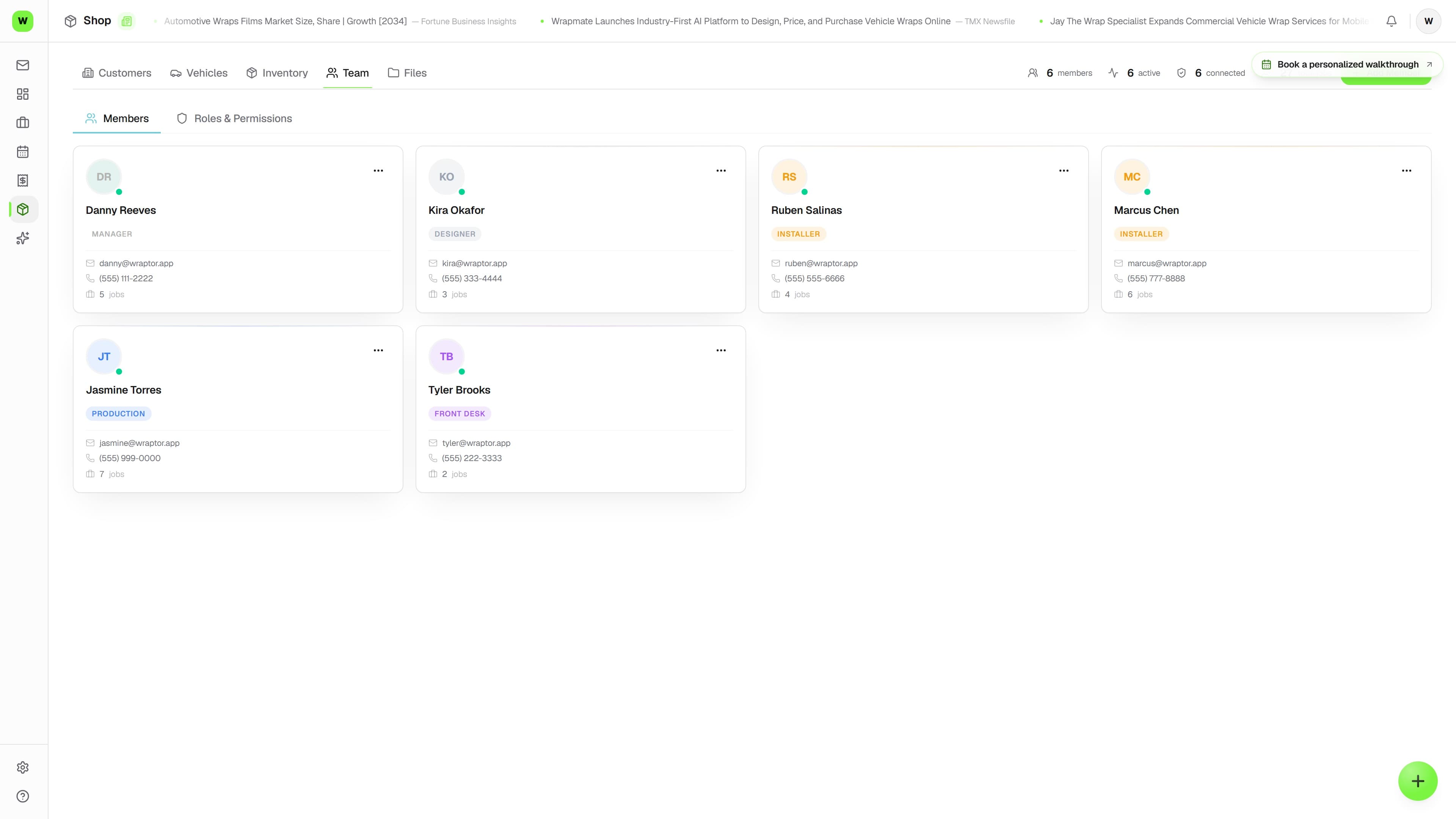
Wraptor team management dashboard showing role assignments, installer schedule, and workload distribution

Live capture — the real screen, not a mockup

The problem

Group chats aren't team management

When your team grows past 3 people, you need real roles, real scheduling, and real visibility.

Without Wraptor

  • Everyone has access to everything (or nothing)
  • Job assignments via text message and memory
  • No idea who's overloaded until something slips
  • Scheduling on a whiteboard or shared calendar
  • Multi-location means logging into separate systems

With Wraptor

  • Role-based access: each person sees what they need
  • Drag-and-drop job assignment with scheduling
  • Real-time workload view across your entire team
  • Team calendar with installer availability
  • Multi-location dashboard with one login (Shop add-on)
  • Payroll-ready pay periods — hours plus commission, exported for your provider

See it in action

Real screens, not mockups.

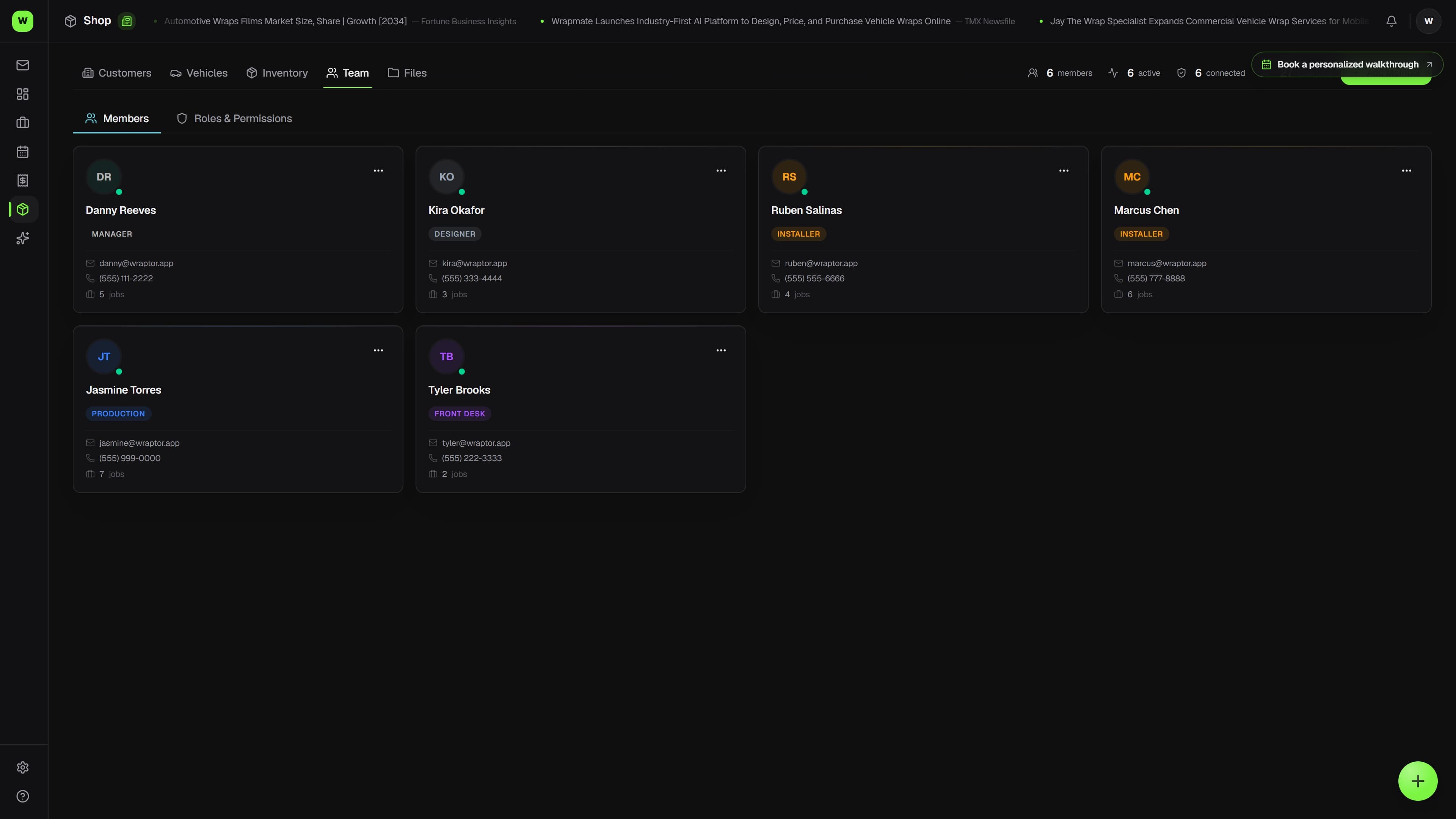
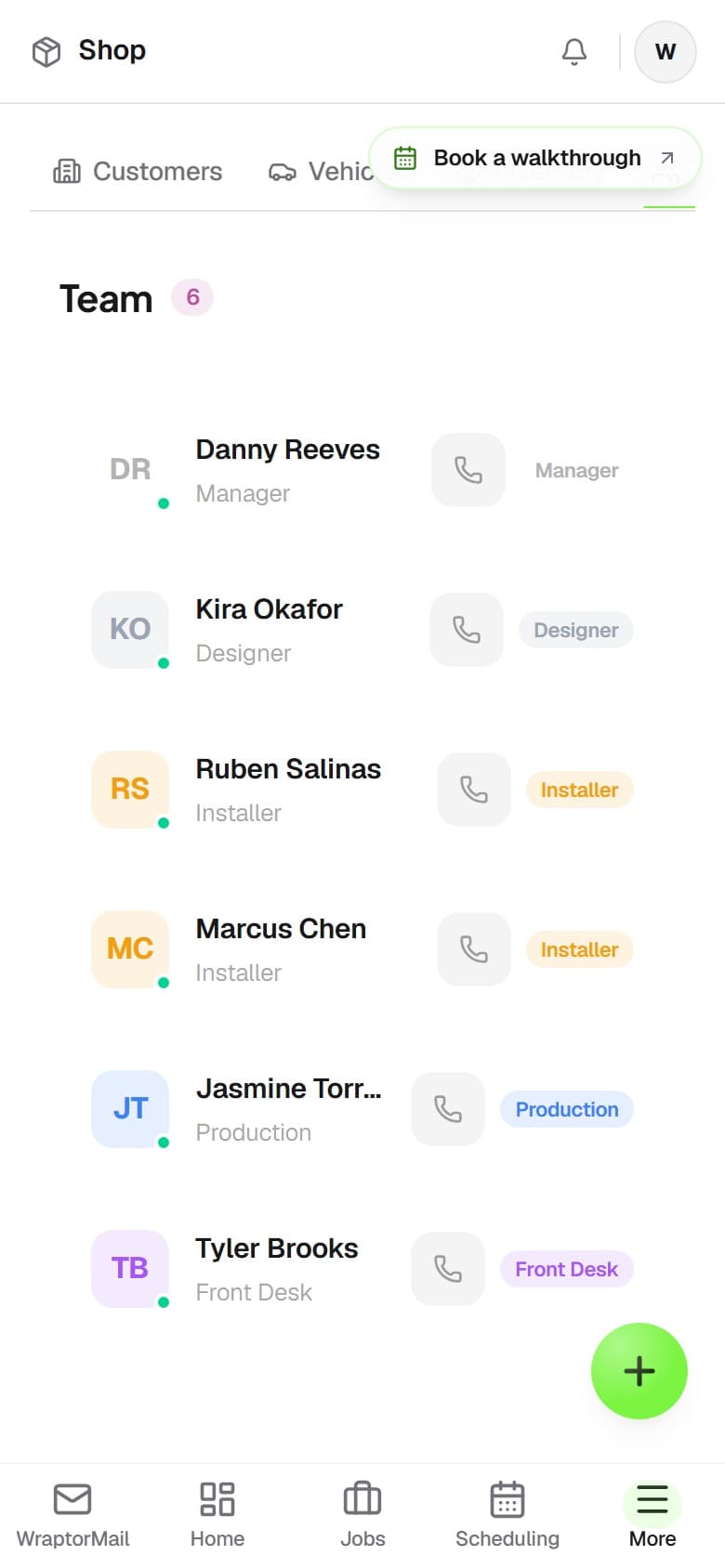
Live captures of the exact screens your crew will run — flip through every view.

Wraptor team management dashboard showing role assignments, installer schedule, and workload distribution (light mode)

How it works

From setup to done.

01

Invite your team

Add team members by email. They get a login link and are ready to go in minutes. No training manual needed.

02

Set roles and permissions

Assign each person a role. Installers see their jobs. Designers see the design queue. Managers see the full picture.

03

Assign jobs and schedule

Drag installers onto jobs. Set dates. The team calendar updates and everyone sees their upcoming work.

04

Track performance

See workload distribution, job completion times, and revenue per installer. Make smarter scheduling decisions.

Capabilities

Everything in the box.

  • Role-Based Permissions

    Owner, Manager, Designer, Installer, Front Desk. Each role sees only what they need. Installers see their jobs. Managers see everything. Front desk handles scheduling.

  • Custom Roles

    Build your own roles with granular permissions. Can this person see invoices? Edit jobs? Access inventory? Approve proofs? You decide, per role.

  • Multi-Location Support

    Running two shops? On the Shop plan, add locations as you grow — each gets its own job board, inventory, and team, and owners see across all of them from one dashboard.

  • Team Workload View

    See how many active jobs each installer has. Spot who's overloaded and who has capacity. Balance work across your team before bottlenecks hit.

  • Installer Scheduling

    Assign installers to jobs with date and time. See the team calendar with everyone's schedule. Drag to reschedule when priorities shift.

  • Time Tracking

    Installers log hours per job. See how long each wrap takes, track labor costs, and use the data to quote more accurately next time.

  • Payroll-Ready Pay Periods

    Set each member's hourly wage and commission rate (a percent of collected revenue on their assigned jobs), preview the pay period live from time-clock entries, then finalize into a locked snapshot with a payroll-provider CSV and register PDF. Wages live behind a dedicated payroll permission, so the rest of the team never sees them.

FAQ

Common questions.

Can Wraptor calculate payroll from the time clock?

Yes. Give each team member a pay profile — hourly wage plus an optional commission percentage on collected revenue from their assigned jobs — and Wraptor previews the pay period live from time-clock entries. Finalizing locks the period against double pay and produces a payroll-provider CSV and a register PDF. Taxes and direct deposit stay with your payroll provider.

Can I set different permissions for team members in Wraptor?

Yes, Wraptor includes role-based permissions with built-in roles like Owner, Manager, Designer, Installer, and Front Desk. Each role sees only what they need. You can also create custom roles with granular control over who can see invoices, edit jobs, access inventory, or approve proofs.

Does Wraptor support multiple locations?

Multi-location is available on paid plans with location add-ons: one location is included, and additional locations are metered. Each location gets its own job board, inventory, and team, and owners and managers see across all of them from a single dashboard without switching accounts.

Can I see team workload in Wraptor?

Wraptor's Team Workload View shows how many active jobs each installer and team member has at any given time. You can spot who is overloaded and who has capacity, helping you balance work across your team before bottlenecks cause delays.

Does Wraptor have an activity log for team actions?

Wraptor logs every action taken by team members, including job updates, status changes, and assignment modifications. This audit trail lets managers review what happened and when, providing full accountability and transparency across your shop operations.

Built to work togetherCalendar & Scheduling·Jobs·Fleets·CRM

Build a team that runs without you

Wraptor's unlimited-seat team plan covers the whole crew with no per-seat fees. Invite your first team member and set up roles in minutes.

1 active job + 1 active quote free forever